Flip a folder of pictures
Open a set. Each picture is measured for lettering a reflection would reverse, and the reflection is composed onto each file’s own orientation tag rather than applied under it — so a set gathered off a phone, a scanner and a chat app comes out the same way round. Where a JPEG allows it, the mirror is written into the orientation field alone and the compressed picture data is copied untouched.
Open an image. Choose an axis.
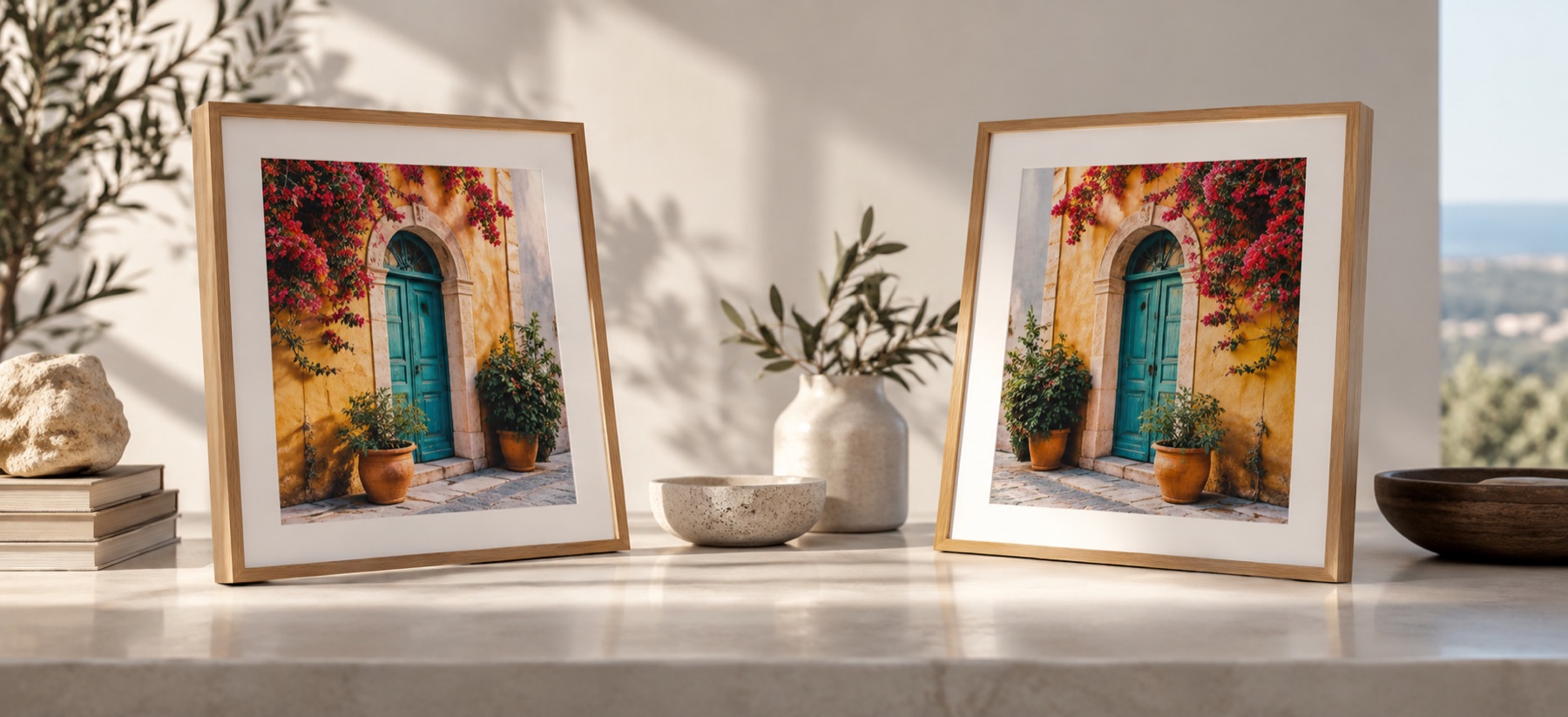
The result is drawn from the same pixels, in reverse order.
Several at once. The bytes are read in this tab and go no further.
The queue
The same engine one file gets
Every file is decoded, reflected, encoded and released before the next one opens. That sequence keeps a folder from holding fifty full-resolution bitmaps in memory at once, and a broken file becomes one failed row rather than the end of the run. What matters more is what runs inside each step: the reflection, the container decision, the quality read out of the source’s own quantisation tables and the metadata transplant are the same code the single-picture bench calls. There is one export path on this site, so a picture flipped here and the same picture flipped on Flip horizontally are the same file.
- Choose the set. Up to fifty images enter the ledger in their original order. A larger selection is trimmed and the page says how many were left out.
- Choose one recipe. Left-right, top-bottom or both at once, then an optional quarter, half or three-quarter turn. The recipe is applied to each picture as a viewer shows it; the batch never guesses.
- Run sequentially. Each picture is reflected at full resolution, written in its own container, and released before the next one opens.
- Read the ledger. One row per file: what it was, what it became, its pixels, its size, what metadata moved across, and what happened. It is built in this tab and goes nowhere.
- Take one ZIP. The archive stores already-compressed image files without wasting time deflating them again, and two files with the same name do not collide.
Boundaries
Limits worth seeing before a folder run
- JPEG is encoded again. A browser canvas cannot write a lossless JPEG reflection. The quality is recovered from the source file's own quantisation tables rather than fixed, so a picture written at 78 is written back at about 78 instead of being inflated to 95 or crushed to it.
- The container is kept where it can be. JPEG comes back JPEG and PNG comes back PNG, with EXIF, ICC and text chunks carried across and the orientation tag reset to 1. A container a browser cannot write — HEIC, TIFF, ICO, AVIF — leaves as PNG, and the ledger row says so.
- Animation becomes one frame. Animated sources contribute the decoded first frame only.
- Fifty files per run, twenty-five on iOS. The ceiling prevents an accidental folder selection from exhausting tab memory, and iOS gets a lower one because Safari's canvas cap fails silently rather than loudly.
- A picture past the ceiling is offered a lighter copy. It is not thrown out of the queue. Tick the option before running and an oversized file is worked from a reduced copy, with the row recording that it was.
Other ways to reflect
- Flip horizontally
Reverse one image left to right.
- Flip vertically
Reverse one image top to bottom.
- Mirror one half
Build symmetry from a chosen half.
- Mirror for transfers
Check whether the print process needs reversal.